PowerPlay DVR
Instructions
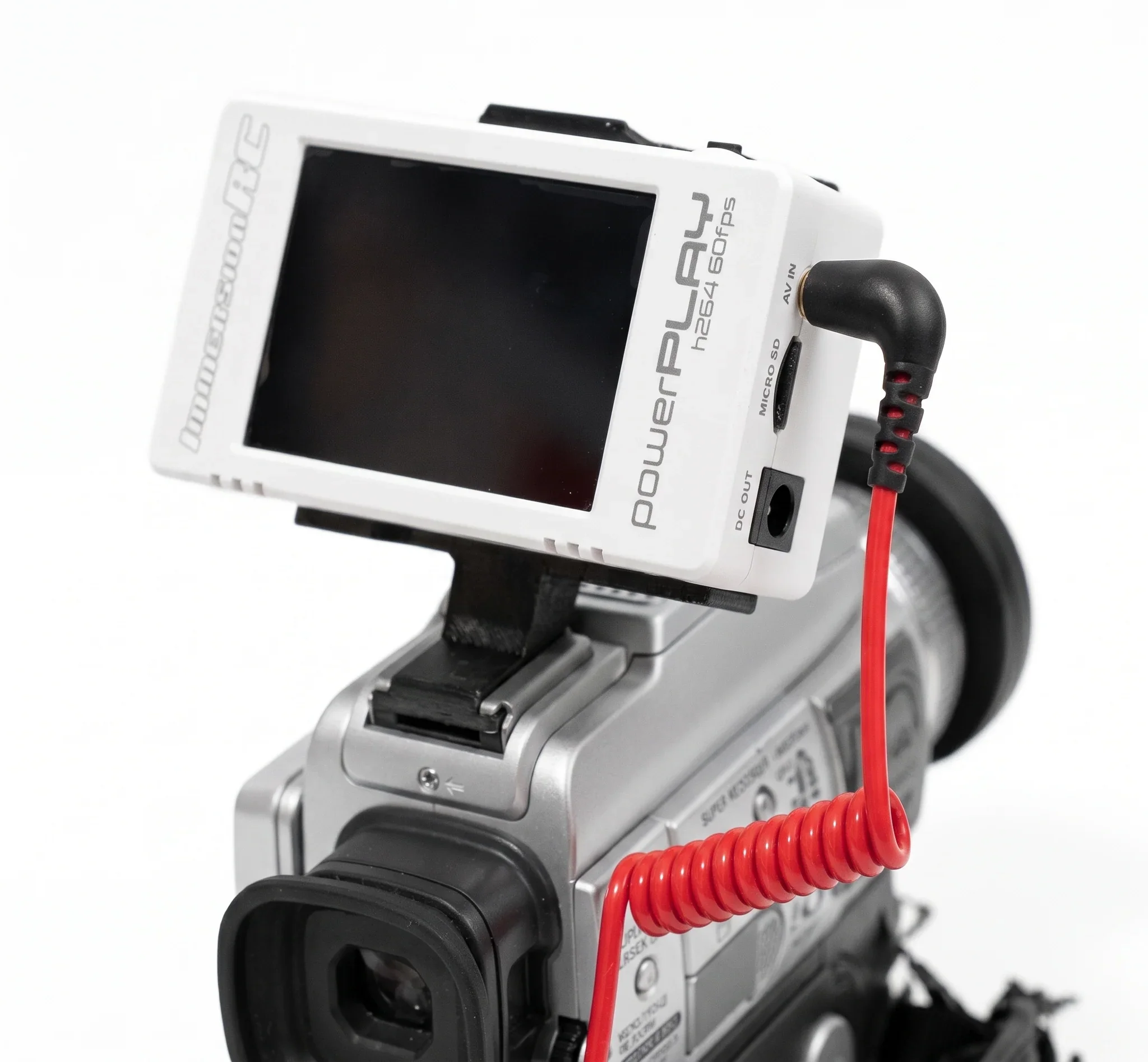
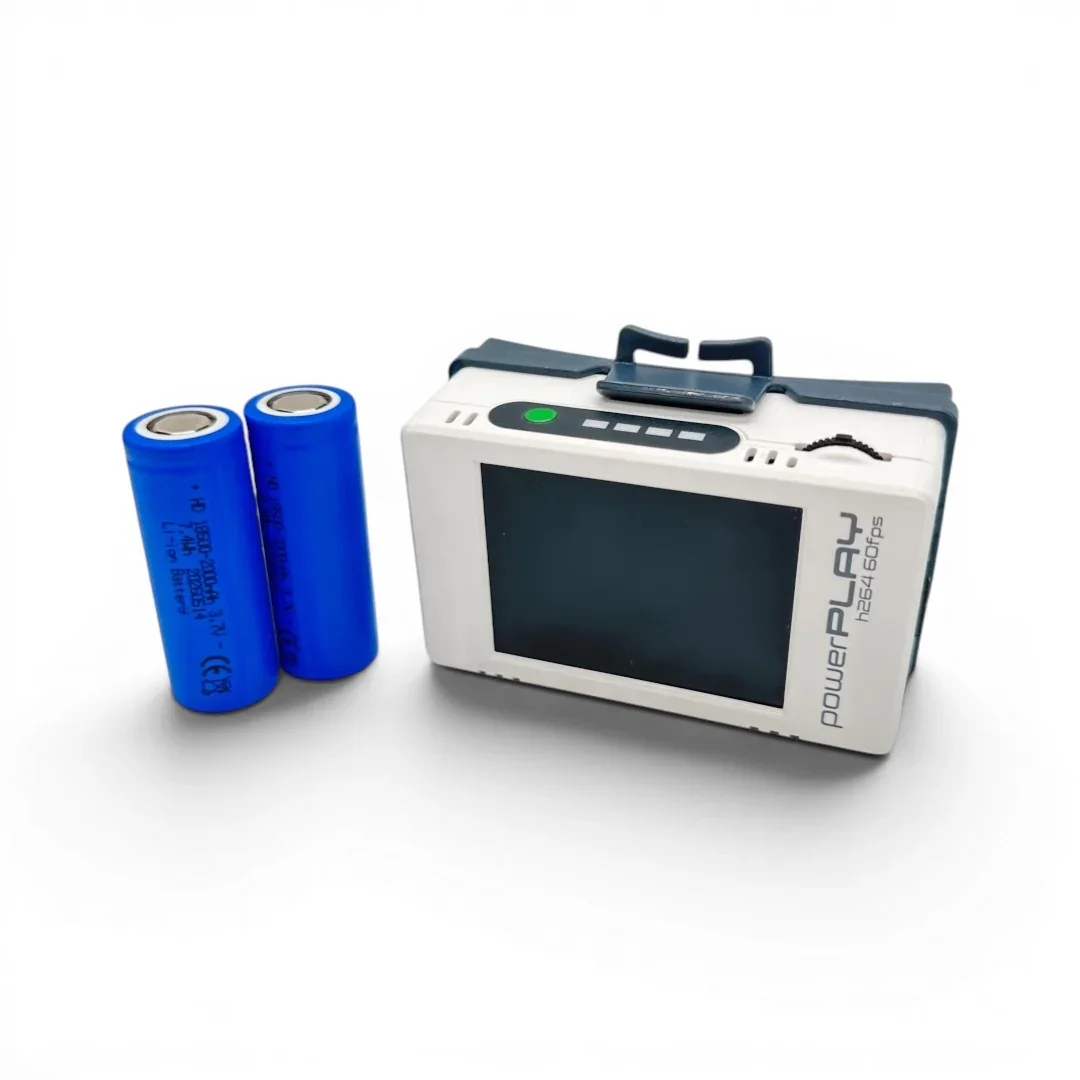
Power Switch Controls
Short press: Show battery level.
Long press: Power on the DVR.
Short press while powered on: Enter the on-screen menu. [1]
Rocker Switch Controls
Single press: Start or stop DVR recording.
Navigation: Move up, down, left, or right through the menu, setup, and playback options. [1]
Connecting to a VCR or Camcorder (Tapeless Setup)
Batteries: Uses two 18500 rechargeable Li-ion batteries (do not use standard AA batteries).
Cables: Connect the video/audio output of your VCR or camcorder to the PowerPlay using the included AV/RCA cables.
Media: Insert a Class 10 microSD card (up to 512GB) formatted for MP4 video recording.
Driven by curiosity and built on purpose, this is where bold thinking meets thoughtful execution. Let’s create something meaningful together.